LOOKPORT / TICKETING & EVENT BUDGETING
9 Cross Sell Add Ons for B2B & Promoters: Boost Revenue, Avoid Churn
Evidence backed playbook for cross sell add ons. Nine practical patterns, timing rules, KPIs and a Lookport example to lift revenue without harming...

Cross-sell add-ons are complementary products or services surfaced at the moment a customer is already buying or already engaged. The single best approach is to keep the choice set small, match the add-on to the customer’s context, and test placement before rolling it out everywhere. The main risk is choice overload: too many options at once can reduce purchases rather than grow them.
TL;DR:
- Cross-sell offers should be limited to two to four relevant options, presented with a default choice and behind a “show more” link to prevent choice overload.
- Offer add-ons at key moments: during checkout, after initial product use, based on behavioral signals, or at renewal, rather than on a fixed schedule.
- Using targeted patterns like pre-bundled packages, curated suggestions, and short trial offers generally improves relevance and conversion rates.
- Implementation should prioritize eligibility rules and copy over interface complexity, with server-side checks for pricing or inventory relevance.
- Measure success through key metrics such as attach rate, conversion lift, and ARPU, and run controlled experiments before scaling new add-on offers.
Table of Contents
- What cross-sell add-ons are and how they differ from upsells
- Why add-ons raise revenue and where the trade-offs sit
- When to offer add-ons across the customer lifecycle
- Nine concrete cross-sell add-on patterns to implement
- Choice architecture and UX limits: avoid choice overload
- Technical checklist for implementing add-ons
- Measure and validate: KPIs, experiments and guardrails
- Applied example: how Lookport features map to add-on strategies for event promoters
- Consider Lookport as an integrated route for event add-ons
- Sources
- FAQ
What cross-sell add-ons are and how they differ from upsells
A cross-sell add-on is a separate, complementary item offered alongside the main purchase. An upsell, by contrast, moves the customer to a higher tier of the same product. Buying concert tickets and being offered a parking pass is a cross-sell; being offered a VIP ticket instead of a standard one is an upsell.
Cross-sells fall into two timing categories:
- Direct cross-sells appear at checkout, alongside the main transaction, when intent is highest.
- Deferred cross-sells appear after the sale, during onboarding or later account use, once the customer has had time to see value.
Stripe Checkout supports direct cross-sell flows that let customers add complementary items without leaving the payment page, which is the clearest example of the immediate pattern. SaaS teams tend to lean on deferred cross-sells more, since the product itself creates natural follow-up moments.
Why add-ons raise revenue and where the trade-offs sit
Add-ons raise average revenue per account and often increase switching costs, since a customer with three linked products has more reason to stay than one with a single subscription. That is the upside case for bundling.
The downside shows up during onboarding. Research on B2B digital subscriptions found that selling multiple add-ons at acquisition can increase perceived complexity and reduce onboarding retention unless the extra complexity is matched by stronger onboarding support and communication.
The practical rule: bundles tend to help retention when the customer already understands the core product, and tend to hurt it when they are still learning it. Sequence matters as much as the offer itself.
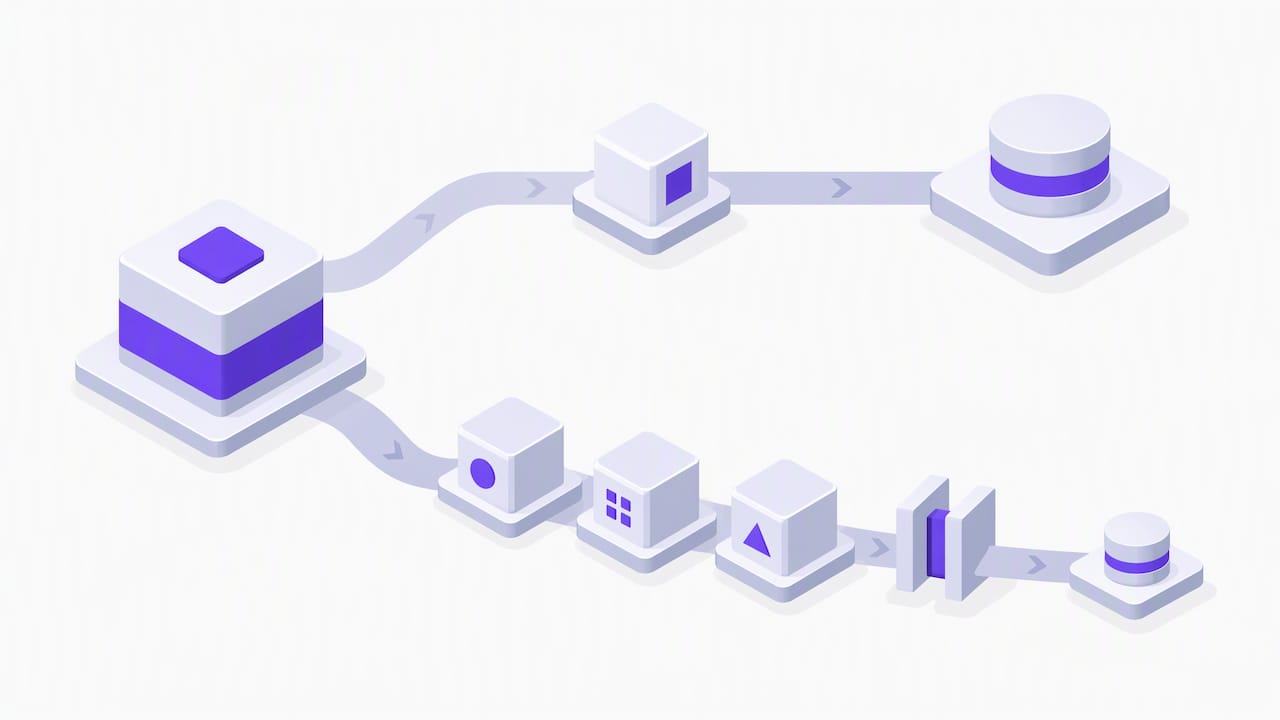
When to offer add-ons across the customer lifecycle
Timing decides whether an add-on reads as helpful or as noise. A few rules keep the sequence sound:
- Offer complementary items at checkout, when purchase intent is already confirmed and the add-on is clearly related to the main item.
- Hold back further add-on offers until the customer has used the core product and reached a meaningful usage threshold, in line with the onboarding research above.
- Trigger in-app offers from specific behaviour, such as repeat use of a feature that a paid add-on would extend.
- Revisit add-on offers at renewal, when the customer has a full usage history to judge the value against.
Each of these moments relies on a signal, whether that is a completed purchase, a usage threshold, or a renewal date, rather than a fixed calendar schedule.
Nine concrete cross-sell add-on patterns to implement
Most working cross-sell programmes use a handful of repeatable patterns rather than one clever trick:
- Pre-bundled packages: a fixed set of add-ons sold together at a slightly lower combined price than buying separately.
- Curated suggestions: one or two add-ons chosen for relevance to the specific item in the basket, rather than a generic list.
- Contextual micro-copy: a single short line explaining why the add-on fits (“often bought with this ticket type”), placed near the item, not in a banner.
- Minimal UI footprint: a checkbox or single tap rather than a separate page, especially at checkout.
- Behavioural eligibility rules: only show the add-on to customers who meet a usage or purchase condition, so it stays relevant rather than generic.
- Trial add-ons: a short free period on the add-on itself, converting to a charge if the customer keeps it active.
- One-off fees for single-use items (printed tickets, physical merchandise) versus recurring fees for ongoing services (extra storage, priority support).
- Time-limited offers tied to an event, such as a renewal window or a show date, rather than a permanent fixture.
- A/B tests on placement, comparing cart-page versus post-purchase email, with attach rate as the primary metric.
Pro Tip: Run one variable at a time, placement, price, or copy, never all three together, or you will not know which change moved the number.
Choice architecture and UX limits: avoid choice overload
Add-on offers can backfire if there are too many of them. Field experiment evidence on recommendation set size shows that purchase probability rises as the number of options grows, then falls, and much of that drop comes from customers failing to start a search at all when faced with too many choices.
Purchase probability first rises then falls as the number of recommended products increases, largely because shown too many options, many customers do not begin a search in the first place.
That single finding sets the design rule: show two to four options, not ten. Highlight one recommended add-on as the default, and use progressive disclosure, a “show more” link, for anything beyond the primary suggestion. A pre-selected default combined with a short, clearly labelled alternative list tends to outperform an open menu of every possible extra.
Technical checklist for implementing add-ons
Implementation detail depends on the platform, but the underlying checklist is consistent across stacks.
- In WooCommerce, cross-sells are configured per product under Linked Products and typically display in the cart, while up-sells show on the product page itself.
- Stripe Checkout’s cross-sell support lets customers add complementary items during payment without a separate transaction.
- Decide early what data drives personalisation: purchase history, product category, or a simple rule such as “always show this add-on with that ticket type.”
- Favour server-side eligibility checks for anything tied to pricing or inventory, and keep client-side logic to display and copy only.
Treat the checklist as a baseline: most added complexity should go into the eligibility rules and the copy, not the interface itself.
Measure and validate: KPIs, experiments and guardrails
A small set of numbers tells you whether an add-on programme is working, and whether it is safe to scale.
| Metric | What it tells you |
|---|---|
| Attach rate | Share of orders that include the add-on |
| Conversion lift | Change in overall purchase completion after adding the offer |
| ARPU | Average revenue per account after add-on adoption |
| Onboarding completion | Whether new customers still finish setup after seeing add-on offers |
| Churn in the following renewal | Whether bundled customers renew at the same rate as unbundled ones |
Run new offers through a holdout cohort first, comparing against a group that sees no offer, then expand gradually rather than switching it on for every customer at once. If onboarding completion or renewal churn moves in the wrong direction, roll the offer back before scaling it further; if attach rate and ARPU rise with no drop in those two guardrails, it is safe to widen the rollout.
Applied example: how Lookport features map to add-on strategies for event promoters
Event ticketing gives a concrete setting for the patterns above. A promoter selling general admission tickets has several natural add-on moments: a VIP upgrade at checkout, merchandise linked to the order, or a donation add-on for a charity show.
Several ticketing platform features fit this pattern directly:
- VIP ticketing for selling an upgraded tier alongside standard tickets.
- Discount codes for time-limited or audience-specific add-on pricing.
- Merchandise links to attach physical products to a ticket order.
- Event sales notifications to flag when a show is pacing well enough to test a new add-on offer.
- Direct Stripe payouts, so add-on revenue reaches the organiser’s account alongside ticket proceeds.
Before adding a new tier, model the numbers with the tour break-even calculator to check whether the extra revenue clears the cost of offering it.
Consider Lookport as an integrated route for event add-ons
If you are running ticket sales and want add-ons handled on the same platform, Lookport’s ticketing tools cover VIP tiers, discount codes and merchandise links without a separate system to manage. The platform charges a 6% commission with no other platform charges, and ticket proceeds go directly into the organiser’s own Stripe account, so add-on revenue follows the same payout path as the main ticket price. Availability follows the countries supported by Stripe.
Marketing integrations on the platform help you follow up with buyers after the sale, which supports the deferred cross-sell timing covered earlier. Visit Lookport Ticketing to set up your event, or run your numbers first through the tour break-even calculator.
Sources
The choice overload field experiment and the B2B onboarding research above are worth reading in full for the underlying data. WooCommerce and Stripe’s own documentation cover the exact setup steps for cross-sells on those platforms.
- The choice overload effect in online recommender systems (MSOM)
- Unintended consequences of selling B2B digital subscription add-ons for customer onboarding (Journal of the Academy of Marketing Science)
- Set up related products, up-sells and cross-sells documentation — WooCommerce
- Cross-sells — Stripe docs
FAQ
What are good examples of cross-selling?
Good examples pair a main purchase with a directly related item, such as a parking pass with a concert ticket or a case with a phone. The strongest examples use a small, relevant option set rather than a long list, in line with the choice overload findings above.
What are add-ons in sales?
An add-on is a separate product or feature sold alongside a main purchase, rather than a higher-tier version of the same thing. In events, a VIP upgrade, merchandise item or donation option sold with a ticket are all add-ons.
What are good examples of upselling?
Upselling moves a customer to a higher tier of what they are already buying, such as a premium seat instead of standard admission or a higher subscription plan. It differs from a cross-sell, which adds a separate complementary item rather than upgrading the original one, as SaaS growth guidance on cross-selling explains.
Is cross-selling good or bad?
Cross-selling is neither inherently good nor bad: it raises revenue and switching costs when the add-on is relevant and offered at the right moment, but it can reduce onboarding retention when too many add-ons are pushed at once. The research on B2B subscription add-ons found the effect depends on how well onboarding support matches the added complexity.
Recommended
Ticketing & event budgeting
 2026-10-22
Ticketing Analytics for UK Promoters: What to Track and Why
Ticketing analytics for UK concert promoters: the metrics that drive decisions, how to set up tracking, and how to tie sales data back to your show budget.
 2026-10-21
Concert Break-Even Calculator: How Many Tickets You Must Sell
Work out how many tickets a UK concert needs to break even. Costs, PRS, ticket commission, a worked example and a free calculator for promoters and venues.
 2026-10-19
Ticket Sales Break-Even Analysis for UK Shows
Work out how many tickets you must sell to cover a UK show: VAT, PRS, fees, fixed costs and a worked example, plus a free break-even calculator.
 2026-10-18
Refund Policy for Concerts: What UK Promoters Must Offer
What UK law and industry rules require when a concert is cancelled, moved or the buyer changes their mind, plus how to write a clear refund policy.
 2026-10-15
Facebook Ads for UK Promoters: Track Ticket Sales Before Spend
UK promoters can set up Meta pixel and Conversions API tracking, choose audiences, estimate ticket costs, and link Facebook ad spend to ticket revenue.
 2026-10-14
Profit Margins: Test 10 P&L Lines for UK Concert Promoters
See how UK concert promoters can model profit per show with 10 P&L inputs, test sell through and costs, and check break even before committing a deposit.