LOOKPORT / TICKETING & EVENT BUDGETING
Facebook Ads for UK Promoters: Track Ticket Sales Before Spend
UK promoters can set up Meta pixel and Conversions API tracking, choose audiences, estimate ticket costs, and link Facebook ad spend to ticket revenue.

Yes, Facebook and Meta ads can sell concert tickets profitably, but only when your tracking, pricing and checkout are in place first. Before you spend anything, confirm that the Meta pixel and Conversions API fire on a real ticket order, and that your event page carries schema.org Event markup. We build Lookport ticketing around that same chain from click to paid order.
TL;DR:
- Test a real ticket order to confirm the pixel and Conversions API report one purchase event with its order ID in both Meta and ticketing records.
- Start with past buyers, mailing list subscribers, and recent visitors; build lookalikes from purchasers, and keep interest targeting modest until conversions are proven.
- Estimate cost per ticket by dividing cost per click by landing page conversion rate, then compare projected ticket revenue with ad spend before other costs.
- Start headline show campaigns six to ten weeks ahead and smaller local gigs two to four weeks ahead, reserving budget for the final push.
- Publish one official ticket link across every ad and post; government figures show £1.6 million was lost to gig ticket scams in 2024.
Table of Contents
- How do you set up Meta tracking so ads map to ticket sales?
- Which audiences should you target first for concert ads?
- What creative and placements sell concert tickets?
- How do you turn a budget into a cost-per-ticket estimate?
- Which metrics tell you whether the campaign is working?
- What should your landing page and checkout do?
- When should you start advertising a concert?
- How do you protect buyers from ticket fraud?
- How we help you tie ad spend to ticket revenue
- FAQ
- Sources
How do you set up Meta tracking so ads map to ticket sales?
Tracking comes before creative. The HubSpot guide to promoting events on Facebook makes the same point: set up tracking first, then build the campaign. Work through these checks in order:
- Confirm that your Meta Business Manager account owns the ad account, the pixel and the page.
- Install the Meta pixel on the event landing page and on the thank-you page after checkout.
- Add the Conversions API so purchases are also reported from the server, which covers browsers that block the pixel.
- Map both feeds to one purchase event, and pass the ticket order ID so duplicates can be matched.
- Add Schema to the event page so platforms can read date, venue and ticket details.
- Test with a real low-priced order, then check that Events Manager shows the purchase and that Ads Manager credits it to the right campaign.
Pro Tip: Keep the test order ID. If it appears in both Events Manager and your ticketing records, your mapping works.
Our Meta Pixel events checklist covers common failures in more detail.
Which audiences should you target first for concert ads?
Start with people who already know you, then widen in stages. Warm audiences cost less to convert, and they give Meta better seeds for finding new buyers.
- Custom audiences: past ticket buyers, your mailing list and recent visitors to the event page.
- Lookalikes: build them from purchasers rather than from page likes. A smaller, cleaner seed list may be more useful than a large, loose one, so create a lookalike only when you have enough real buyers to provide a useful seed.
- Interest and behaviour layers: use them for discovery, such as fans of similar artists or regular gig-goers, but keep budgets modest until conversion rates are proven.
- Geography: use a tight radius for a local club night and wider regions for a touring act, trading reach against relevance.
- Testing: run one audience type per ad set, then merge winners once the results are clear.
The HubSpot workflow lists lookalike audiences among its practical steps for event promotion, which fits this sequence.
One safety point belongs here, because audience building often happens on social channels: almost half of reported gig ticket fraud involved social media offers. Make your official ticket link the only one your ads point to.
What creative and placements sell concert tickets?
Mobile-first video does the discovery work, and feed ads carry people through consideration. Tell the buyer the act, date and venue within the first seconds, then the ticket tiers and a clear buy button.
- Short vertical video or Reels for reach: a live clip with the date and venue on screen from the first frame.
- Feed image or video for consideration: ticket tiers, support acts and what is included.
- Carousel for tiered tickets: one card per tier, each linking to the same checkout.
- Countdown creative for scarcity: use it only when allocation really is running low.
- Retargeting creative for people who visited the page without buying: a reminder with the cheapest remaining tier.
Use Stories and Reels for reach, and feeds for consideration. Switch on Advantage+ placements only when your tracking is verified and you have several creative variants to feed it. Rotate creative often and watch for fatigue, where frequency climbs and click-through falls.
Pro Tip: Keep one control ad running unchanged while you test new variants, so you can see whether a “better” ad is genuinely better.
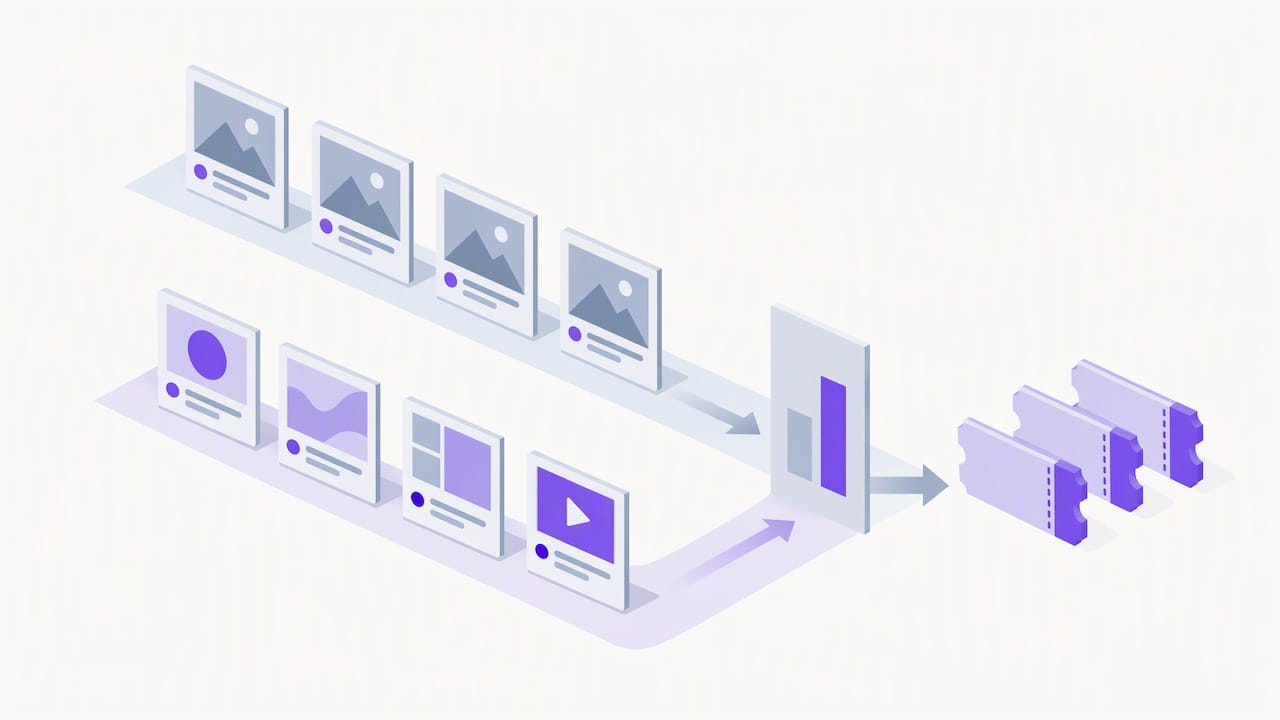
Presentation matters beyond the ad itself. Partner content such as this event experience planner can prompt ideas for the on-site moments that give you strong footage.
How do you turn a budget into a cost-per-ticket estimate?
Model the funnel before you commit money: impressions, then clicks, then landing-page conversion, then paid tickets. Cost per ticket is your cost per click divided by your landing-page conversion rate, so two inputs drive almost everything.
The worked example below is hypothetical. Assume a cost per click and a landing-page conversion rate, then divide the former by the latter to estimate cost per ticket. Apply that estimate to a hypothetical budget to forecast ticket sales, and compare the projected ticket revenue with ad spend before accounting for other costs.
- Start with conservative rates, then replace them with live campaign data once it is available.
- Split spend by stage: discovery, consideration and conversion, holding a reserve for the final push.
- Use lowest cost bidding while the campaign learns. Move to a cost cap only when you must control cost per purchase, and avoid setting a target below what the market will bear.
Your own numbers matter more than any benchmark, so model them directly. Our ticketing fee calculator helps you compare ad spend, fees and revenue, and our sales pacing forecast guide shows how to check whether sales are on track.
Which metrics tell you whether the campaign is working?
Track cost per purchase, return on ad spend, purchase conversion rate, click-through rate and CPM. The first three decide profit. The last two explain why the first three move.
- Meta reports against an attribution window, so its purchase count will not always equal your ticket orders. Reconcile Events Manager with your ticketing records each week.
- Run a simple loop: write a hypothesis, build a test, run it to a useful sample size, read the result against real orders, then scale or stop.
- For larger campaigns, use a holdout or incrementality test to see how many sales the ads caused beyond those that would have happened anyway.
Pro Tip: Compare ad-attributed purchases with total orders on the same days. A steady gap is normal; a widening one points to a tracking fault.
Our attribution review explains how to connect campaign reports to ticket sales in detail.
What should your landing page and checkout do?
Every click you pay for should reach a page that sells. Check these points before launch:
- Load the page fast on mobile, with the buy button visible without scrolling.
- Add schema.org Event markup and correct Open Graph tags so shared links preview properly.
- Show fees up front, accept trusted payments such as Stripe, and keep checkout fields to a minimum.
- Return the order ID on the thank-you page so pixel and Conversions API events match real orders.
Our event landing page checklist goes through each of these in turn.
When should you start advertising a concert?
Timing depends on the size of the show, because bigger shows need longer to reach buyers who plan ahead.
- Headline shows: start six to ten weeks out. Smaller local gigs: start two to four weeks out.
- Front-load discovery, use the middle weeks to warm people who engaged, and keep a reserve for the final push.
- As the event approaches, consider switching to retargeting and countdown sequences, with reminders on the day itself.
The HubSpot workflow also advises scheduling promotions a few weeks before the event. Our Google Ads planning guide covers planning search campaigns.
How do you protect buyers from ticket fraud?
Scams that copy your event damage trust and future demand. The government reports £1.6 million lost to gig ticket scams in 2024, and official advice is to use authorised sellers and safe payment methods.
- Publish one official purchase link and repeat it in every ad and post.
- Discourage last-minute social media sales and bank transfers between individuals.
- Point buyers to the Stop! Think Fraud guidance and the GOV.UK advice on secondary ticket websites.
How we help you tie ad spend to ticket revenue
Ad reports only matter when they match paid orders. With our Lookport ticketing, you sell through your own Stripe account, so ticket money goes directly to you. We charge a 6% commission and no other Lookport charges. Availability follows Stripe-supported countries.
- Read more about our marketing integrations.
- Run a small test campaign and check the order ID in Events Manager.
- Model spend, ticket price and break-even in the tour break-even calculator.
FAQ
How do you advertise an event on Facebook?
Set up tracking first, then build ads around your event page, with a clear audience and a buy button. Start with warm audiences such as past buyers, and begin a few weeks before the show, as the HubSpot guide recommends.
What are some effective ways to promote a concert?
Combine short video ads, retargeting of page visitors and a clear official ticket link. Support them with email to past buyers and a countdown sequence as the event approaches.
Can you sell concert tickets on Facebook Marketplace?
We advise against it. Official guidance says most ticket scams begin on social media, so sell through your official ticketing page and point every ad there.
How do you add music to Meta ads?
Use a short video or Reels creative and add audio you have the rights to use, such as your own recording or a licensed clip. Check the licence before the ad runs, since music rights vary by track and by placement.
Sources
Recommended
Ticketing & event budgeting
 2026-10-22
Ticketing Analytics for UK Promoters: What to Track and Why
Ticketing analytics for UK concert promoters: the metrics that drive decisions, how to set up tracking, and how to tie sales data back to your show budget.
 2026-10-21
Concert Break-Even Calculator: How Many Tickets You Must Sell
Work out how many tickets a UK concert needs to break even. Costs, PRS, ticket commission, a worked example and a free calculator for promoters and venues.
 2026-10-19
Ticket Sales Break-Even Analysis for UK Shows
Work out how many tickets you must sell to cover a UK show: VAT, PRS, fees, fixed costs and a worked example, plus a free break-even calculator.
 2026-10-18
Refund Policy for Concerts: What UK Promoters Must Offer
What UK law and industry rules require when a concert is cancelled, moved or the buyer changes their mind, plus how to write a clear refund policy.
 2026-10-14
Profit Margins: Test 10 P&L Lines for UK Concert Promoters
See how UK concert promoters can model profit per show with 10 P&L inputs, test sell through and costs, and check break even before committing a deposit.
 2026-10-13
AI Audience Analytics: UK Promoters Use the First 72 Hours of Sales
Use the first 72 hours of ticket sales to spot likely return buyers, test consented campaigns, and plan an 8 to 12 week AI analytics rollout for UK promoters.